01
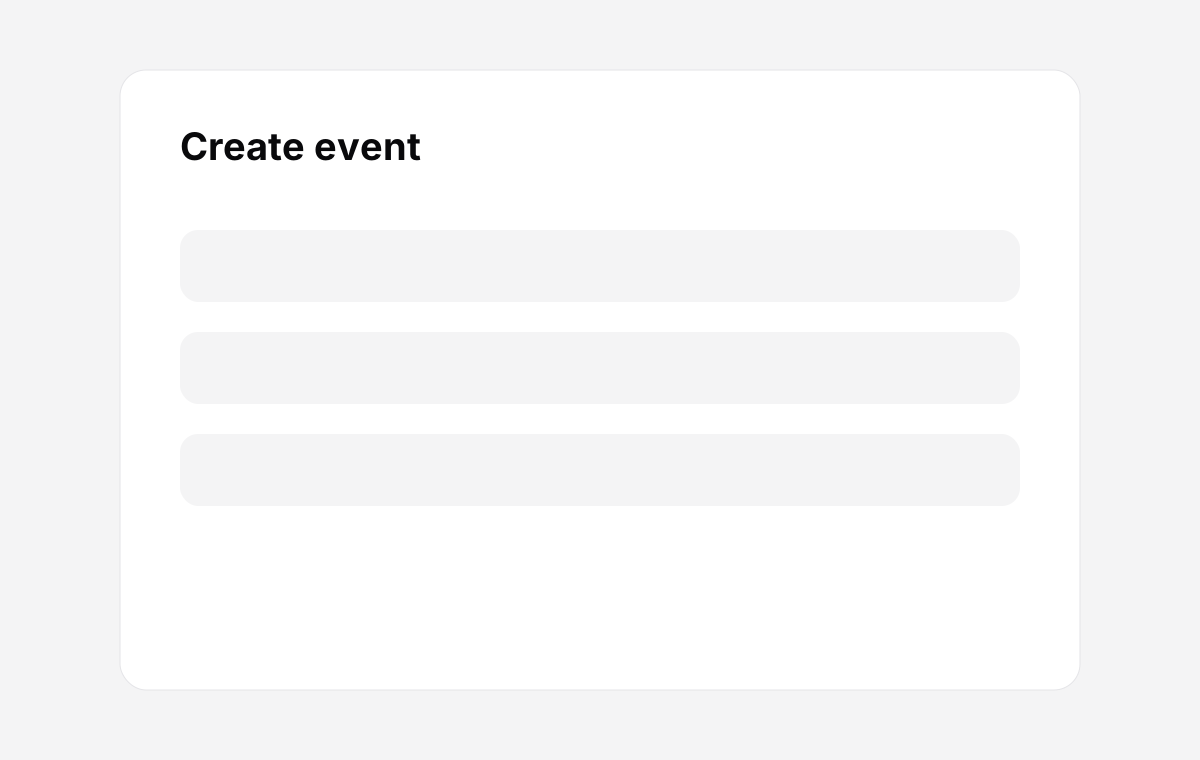
Create an event: name, client, sections, photo limits. Two minutes.
02
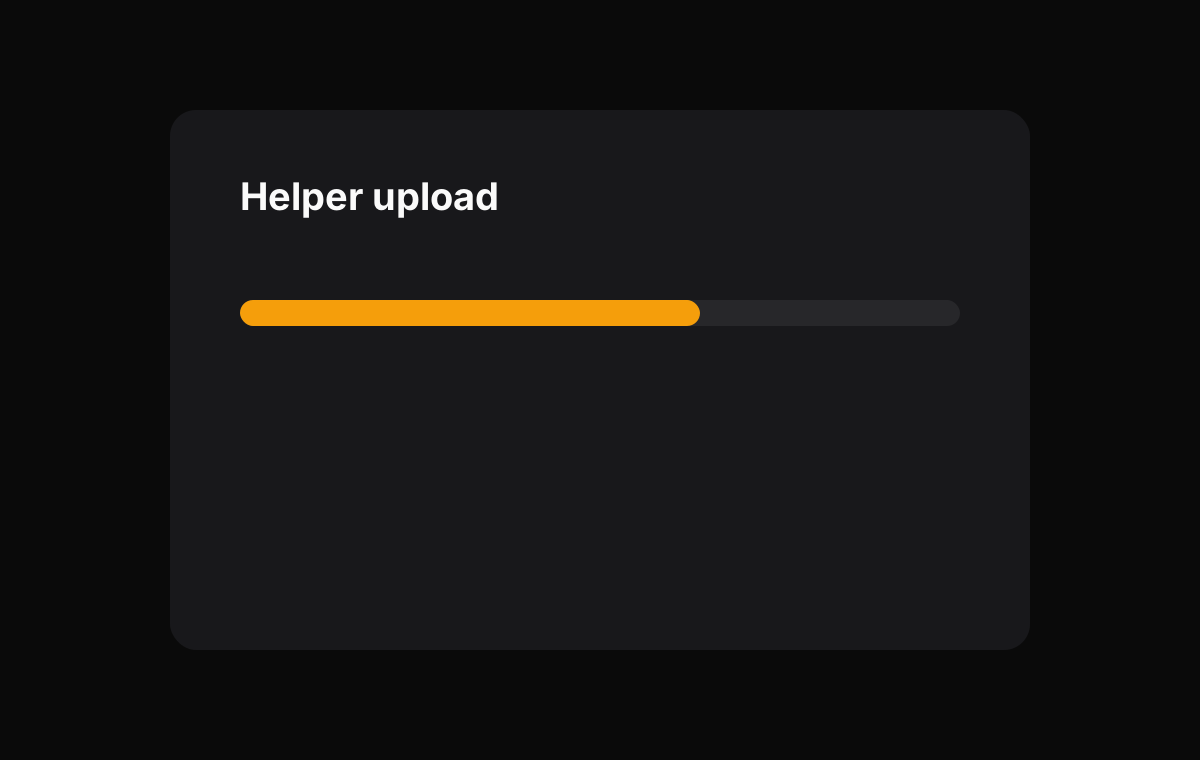
Point the helper at your preview folder. Upload runs in the background.
03
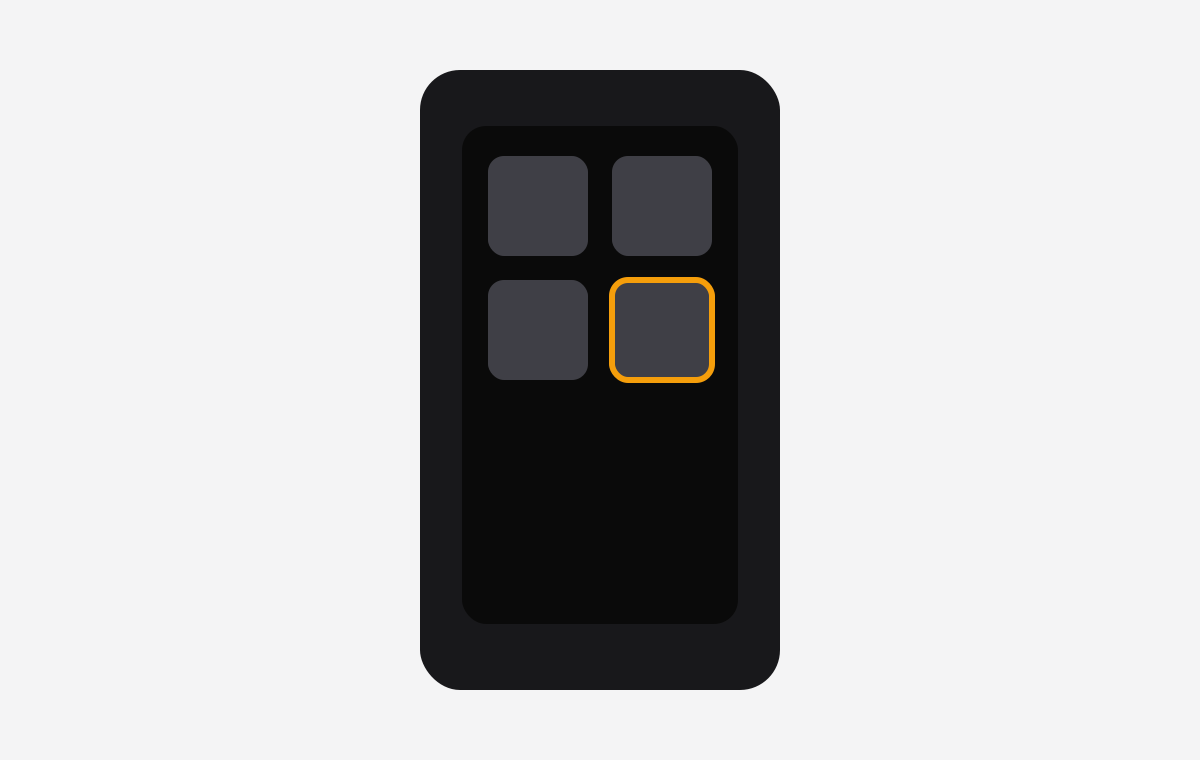
Client opens the link on their phone. Selects photos by tapping. Leaves notes.
04
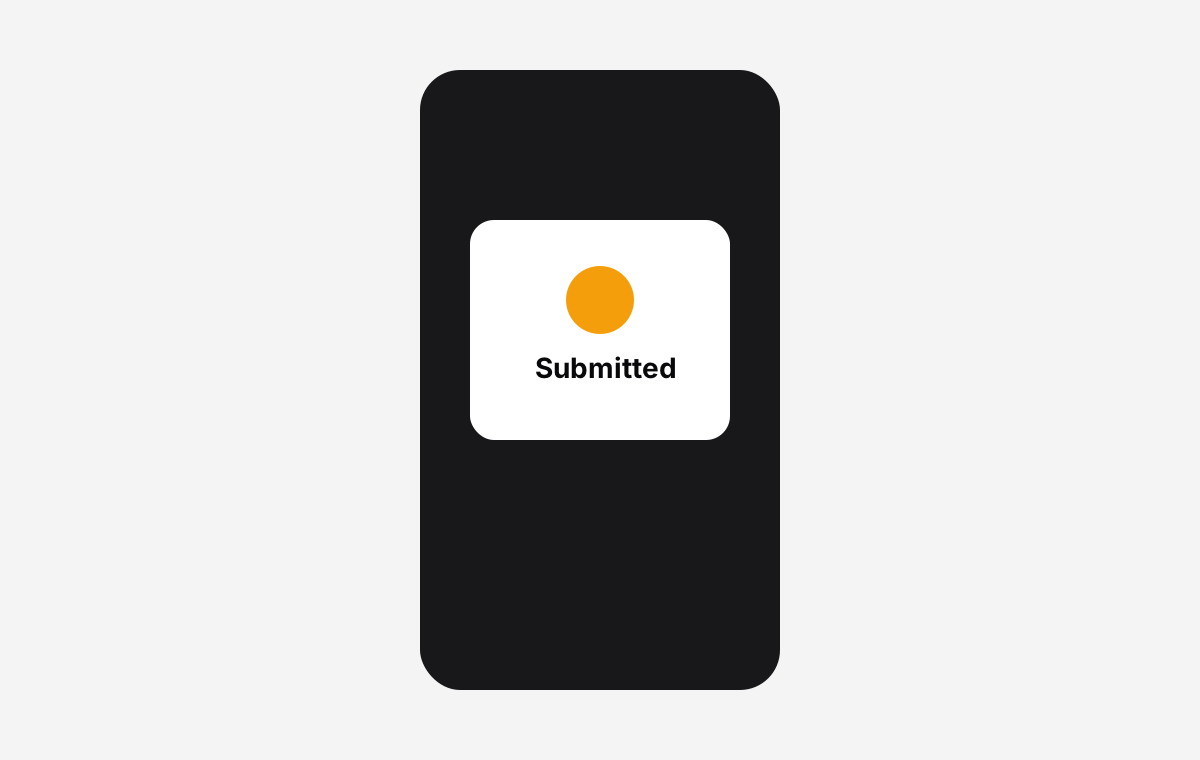
Client hits Submit. You get a notification.
05
Dashboard updates instantly. Selections, counts, any notes — all there.
06
Helper exports exactly the selected originals into a new folder. Done.
07
PDF report generated automatically. Filename, section, client note — everything your editor needs.
Ready to run through it on a real event?
14-day free trial. No card. Setup takes about 15 minutes.