Features

Built for how wedding photographers actually work.

Not a generic file-sharing tool repurposed for photos. Every feature was designed around the specific workflow of shoot → preview export → client selection → editor hand-off.

Client gallery

A gallery your clients can actually use on their phone.

The gallery opens from a single link. No app download, no account creation. Your client taps their WhatsApp number, receives a 6-digit OTP, and they're in — a full-screen photo grid on their phone.

Every photo is watermarked with your studio name before it reaches the client. They see the composition, not a free download.
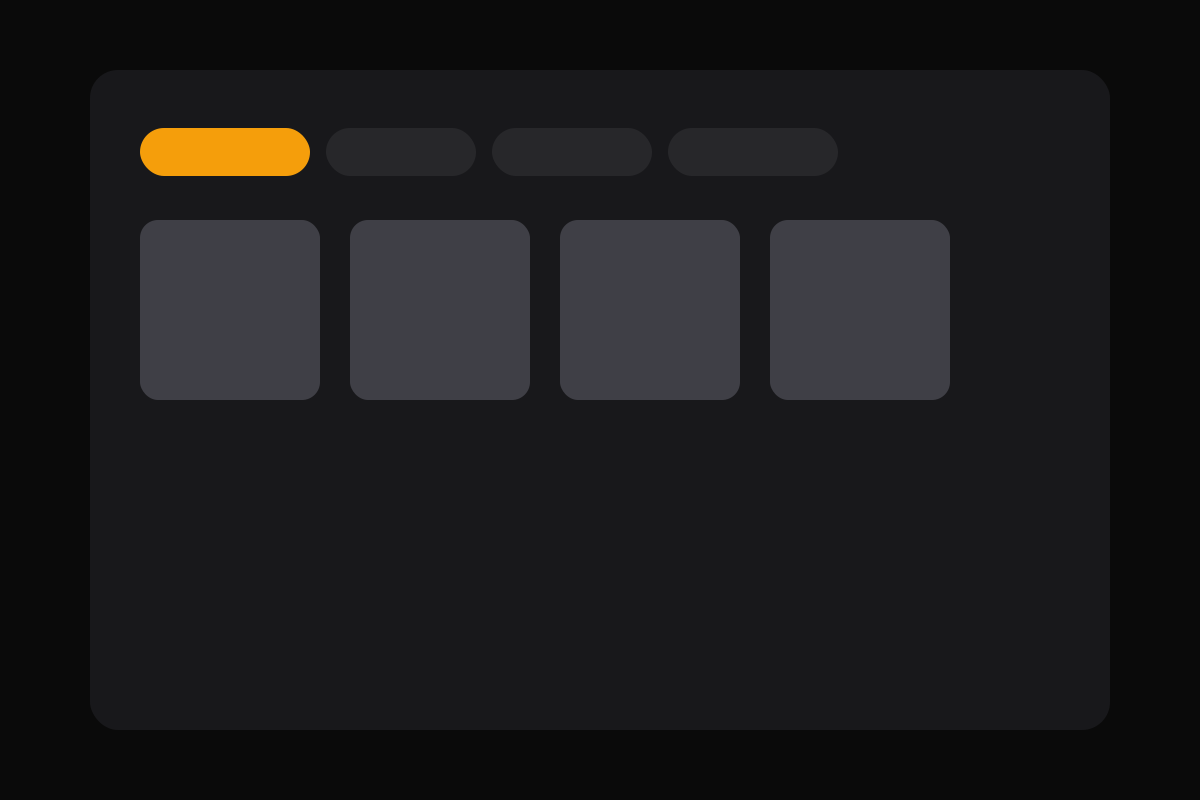
Gallery with section tabs on mobile
Event sections

Mehendi. Baraat. Pheras. Reception. Separate, clear, navigable.

When you create an event, you define the sections — whatever ceremonies you shot. The gallery organises your photos into those sections automatically. Your client can jump straight to Reception without scrolling through 600 photos from the start.

Sections also carry through to the PDF report, so your editor knows which ceremony each selected photo is from.

Section tabs at the top of the gallery
Per-photo notes

No more “the one near the door” voice notes.

When your client selects a photo, they can leave a note on it. "Make this black and white," "Crop tighter," "This one's for the album cover." The note is attached to the filename — it follows the photo through the PDF report to your editor, exactly as typed.

The note field appears in one tap. Clients who don't want to leave notes don't have to — it's optional per photo.

Per-photo note input on the gallery
Live dashboard

Watch your client select in real time.

The dashboard event detail page shows a live count of selected photos. When your client is actively selecting, you see their progress update without refreshing. If you're on a call with them walking through the gallery, you're looking at the same thing.

When they submit, you get an in-app notification. Email notification support is coming.

Dashboard showing live selection count
Desktop helper app

Upload previews. Export originals. Nothing leaves your hard drive uninvited.

The helper app runs on macOS (Windows in beta). You point it at a folder of exported previews — JPEGs from Lightroom, Capture One, or anything else. It watermarks them, compresses them for the gallery, and uploads in the background while you work on something else.

When your client submits, you open the helper, press Export, and it copies only the selected originals into a new folder. No manual cross-referencing. No duplicating 600 photos to find 200.

Helper app export complete screen
PDF selection report

Everything your editor needs, already written.

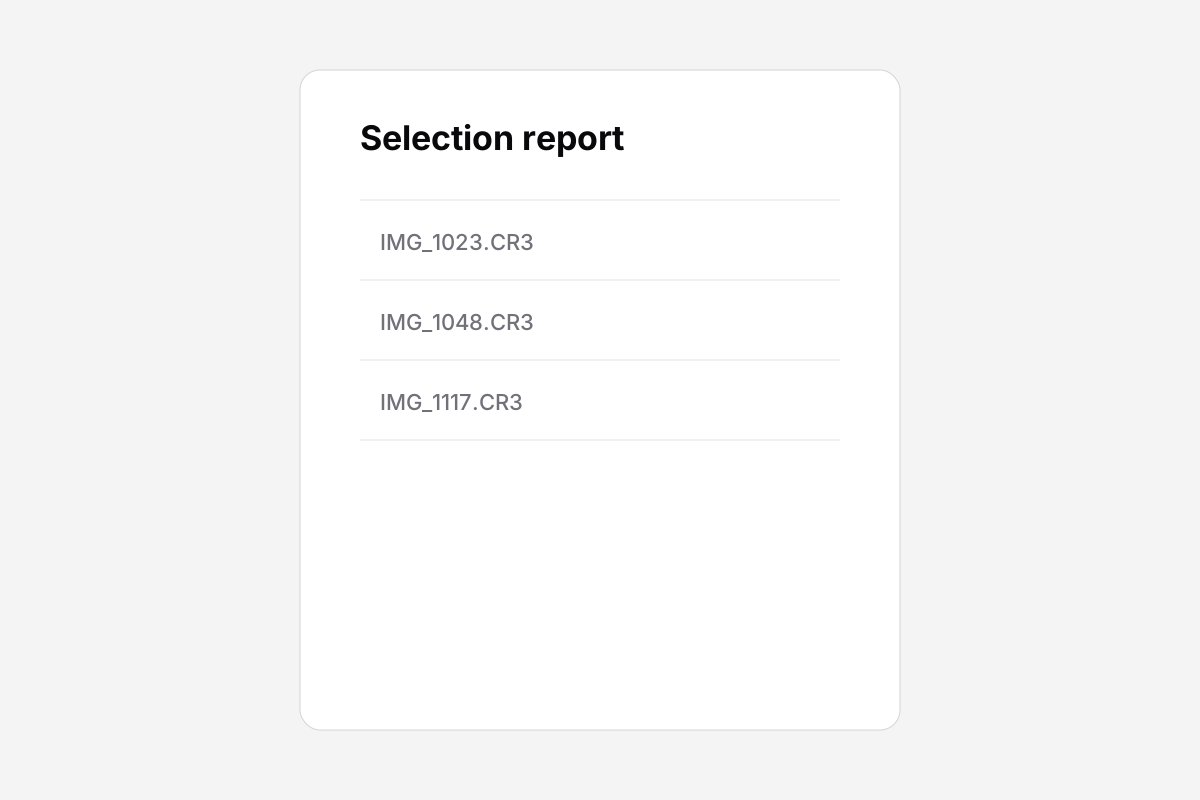
When your client submits their selections, fotoz.in generates a PDF automatically. It contains the event name, client name, submission timestamp, and a table: photo number, filename, section, and any note the client left.

Download it from the dashboard. Attach it to an email to your retoucher with the originals folder. Done.

PDF selection report open in Preview

Coming next

These are features actively in progress, not vague “planned someday” items.

Email notifications
Get emailed when your client submits — so you don't have to watch the dashboard.
Windows helper app
The macOS helper is stable. Windows build is in testing. Sign up for the waitlist on the download page.
Gallery reopen with new uploads
Currently, reopening a gallery uses the same photo set. Soon you'll be able to upload additional photos to an existing event before reopening.

Everything in the 14-day trial.

No card required. Full access to all features. One real event is enough to see if it works for you.

Start free trialSee pricing